The geographic coordinates will be used to determine the observer’s local horizontal coordinate system.
There are three ways to specify the location as follows.
Find My Location
In the SEARCH ADDRESS tab, click the GPS icon in the search bar to find the address of the current location. This step will also assign the coordinates of this location.
If the GPS fails, the IP location will be used as a fallback.


Search Address
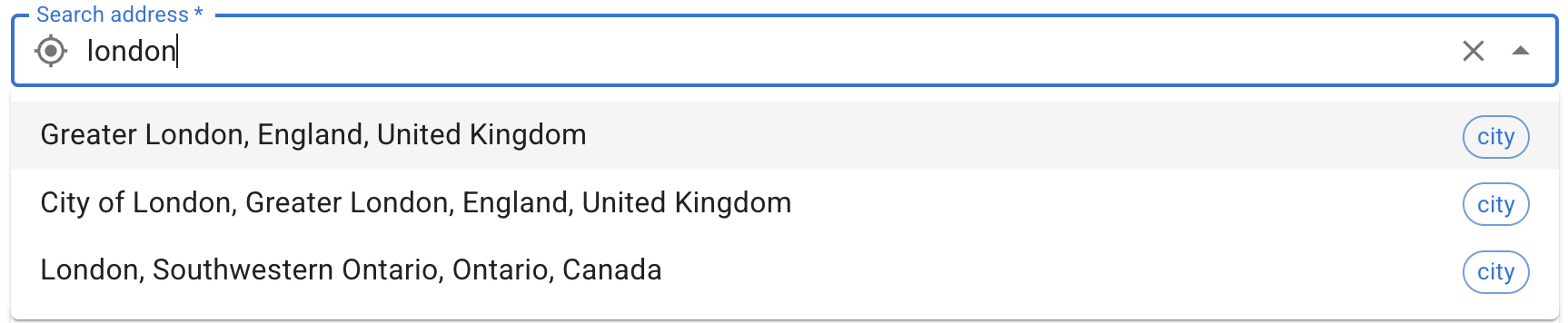
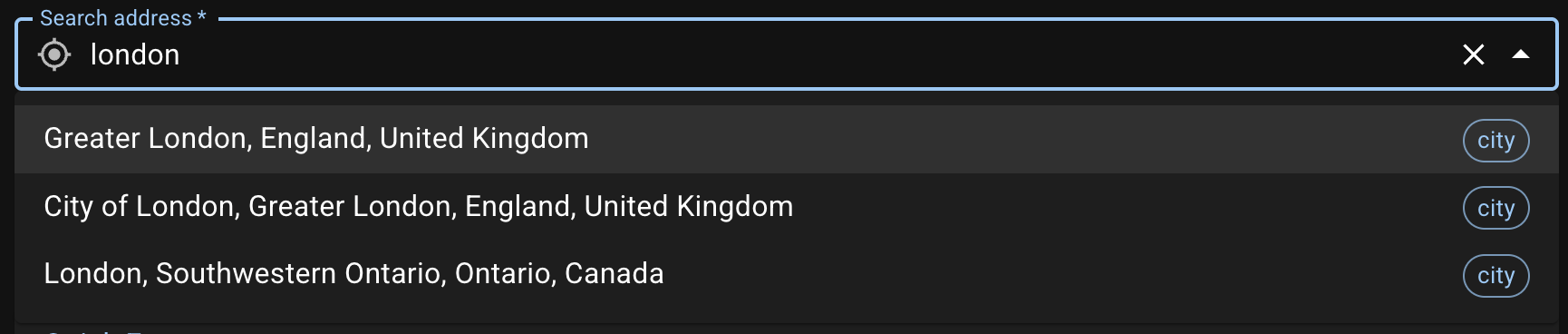
After setting up an address, the latitude and longitude values will be stored in the background. If you switch to the ENTER COORDINATES tab right after selecting an address, you’ll see that the coordinates are filled out already. Note that if you switch back to SEARCH ADDRESS, the address and coordinates will be both cleared.


The default geocoding service is Nominatim using OpenStreetMap data. Within the Great Firewall of China (GFW), Tianditu will be used for reverse geocoding and QQ LBS service will be used for searching as Nominatim is inaccessible. In this case, we recommend using Chinese search terms for better results.


When using QQ LBS service, addresses are displayed in Simplified Chinese. Traditional Chinese display is currently not supported.
The geocoding service is automatically determined and cached when the page loads. If you see an incorrect service is in use, please check the system time zone, clear cache, then refresh the page and try again.
Enter Latitude and Longitude Manually
You can always choose to directly enter the Latitude and Longitude in decimal degrees in the ENTER COORDINATES tab.