Specify a target using either of the following three methods.
Select a Planet


Specify a Hipparcos Catalogue Number (HIP)
Search HIP by Number
Enter a number then select one suggestion from the drop-down list.
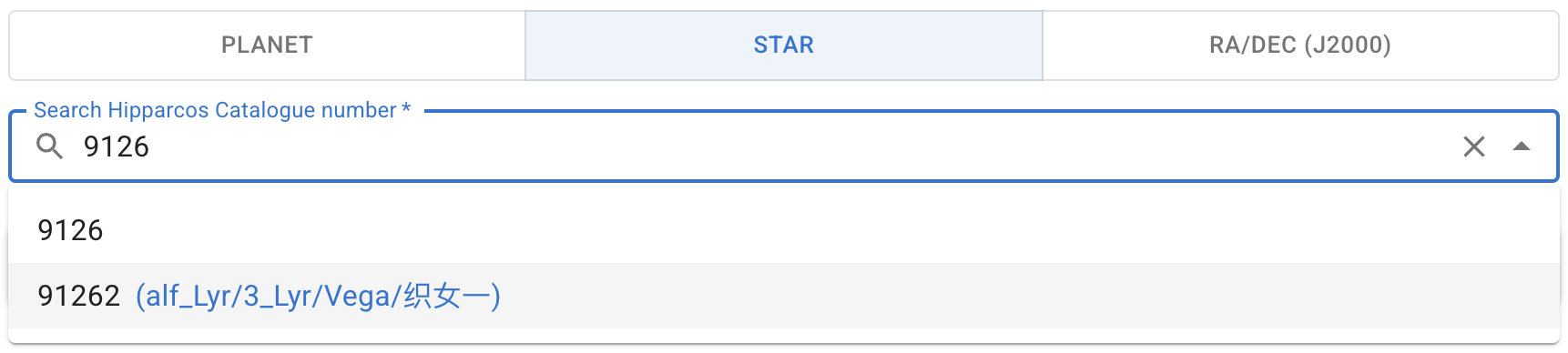
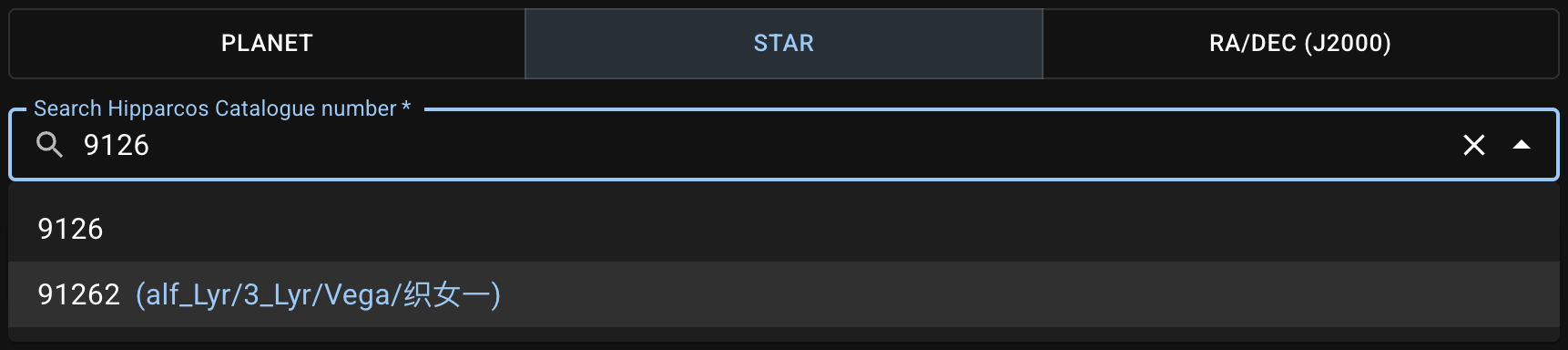
As shown above, the HIP and any available Bayer designation, proper name, or Chinese names of the star are shown side by side for your reference.
The available HIP filtered from the HIP data source ranges from 1 to 118322. Although there are objects with greater HIP in the original catalogue, they lack the required information and those entries are barely needed in most cases, hence excluded in this app.
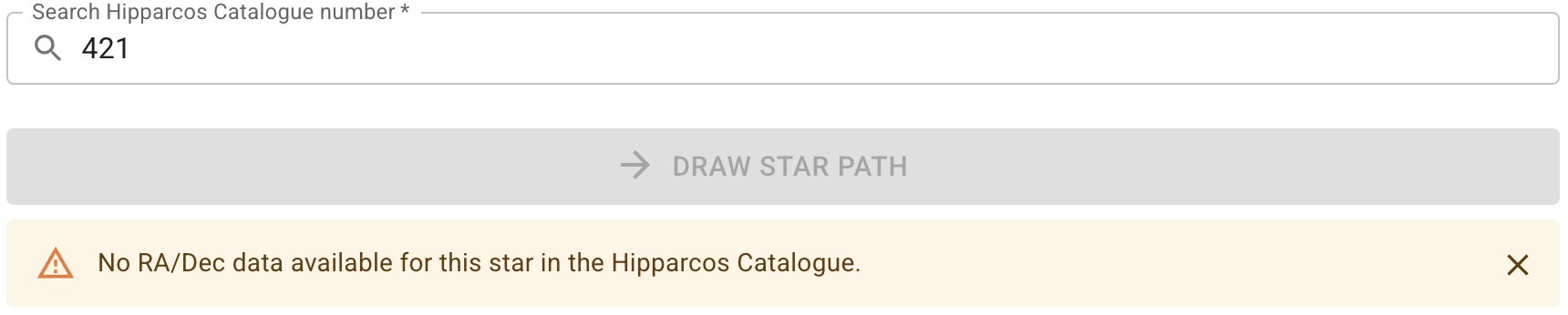
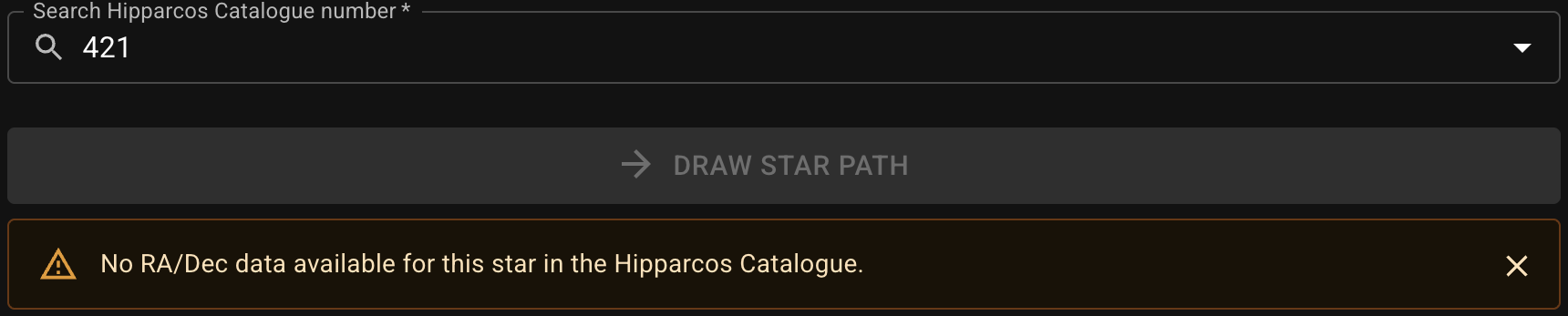
If a HIP is invalid even within the range, a notification will appear after submitting the request:


Search HIP by Proper Name or Bayer Designation
Enter a proper name or Bayer designation (case-insensitive), then select one suggestion from the drop-down list to get its HIP.


The format of Bayer designation used in this app is based on that in the original cross-identification tables (see Resources for the data source).
α → alf   β → bet   γ → gam   δ → del     ε → eps   ζ → zet
η → eta   θ → the   ι → iot   κ → kap     λ → lam   μ → mu
ν → nu    ξ → ksi   ο → omi   π → pi      ρ → rho   σ → sig
τ → tau   υ → ups   φ → phi   χ → chi/xi  ψ → psi   ω → ome
Search HIP by Chinese Name
Enter a name in Traditional/Simplified Chinese or Pinyin, then select one suggestion from the drop-down list to get its HIP.


When searching a name by pinyin, avoid spaces between syllables. We also use this convention to display the pinyin in the results for a more compact appearance.
You can use either v, yu, or u for ü.
Proper motion is included in calculation if the target is specified by a Hipparcos Catalogue number.
Specify RA/Dec
You can track a fixed point in the sky by giving the International Celestial Reference System (ICRS) coordinates (J2000) right ascension (RA) and declination (Dec).
Enter RA in HMS (Hour, Minute, and Second) format and Dec in DMS (Degree, Minute, and Second) format:


or both in decimal degrees:


Proper motion is not considered if the target is specified by RA/Dec, because the values are the coordinates of a point, and there may not be any actual celestial bodies at this position.